Editing rules come first
The maker can keep the original background when an authority restricts digital alteration. Background replacement is not presented as suitable for every passport or visa application.
Free baby passport photo maker online
Upload a baby photo, choose the passport or visa format, then preview a correctly cropped file with destination-aware background handling and print-ready output.
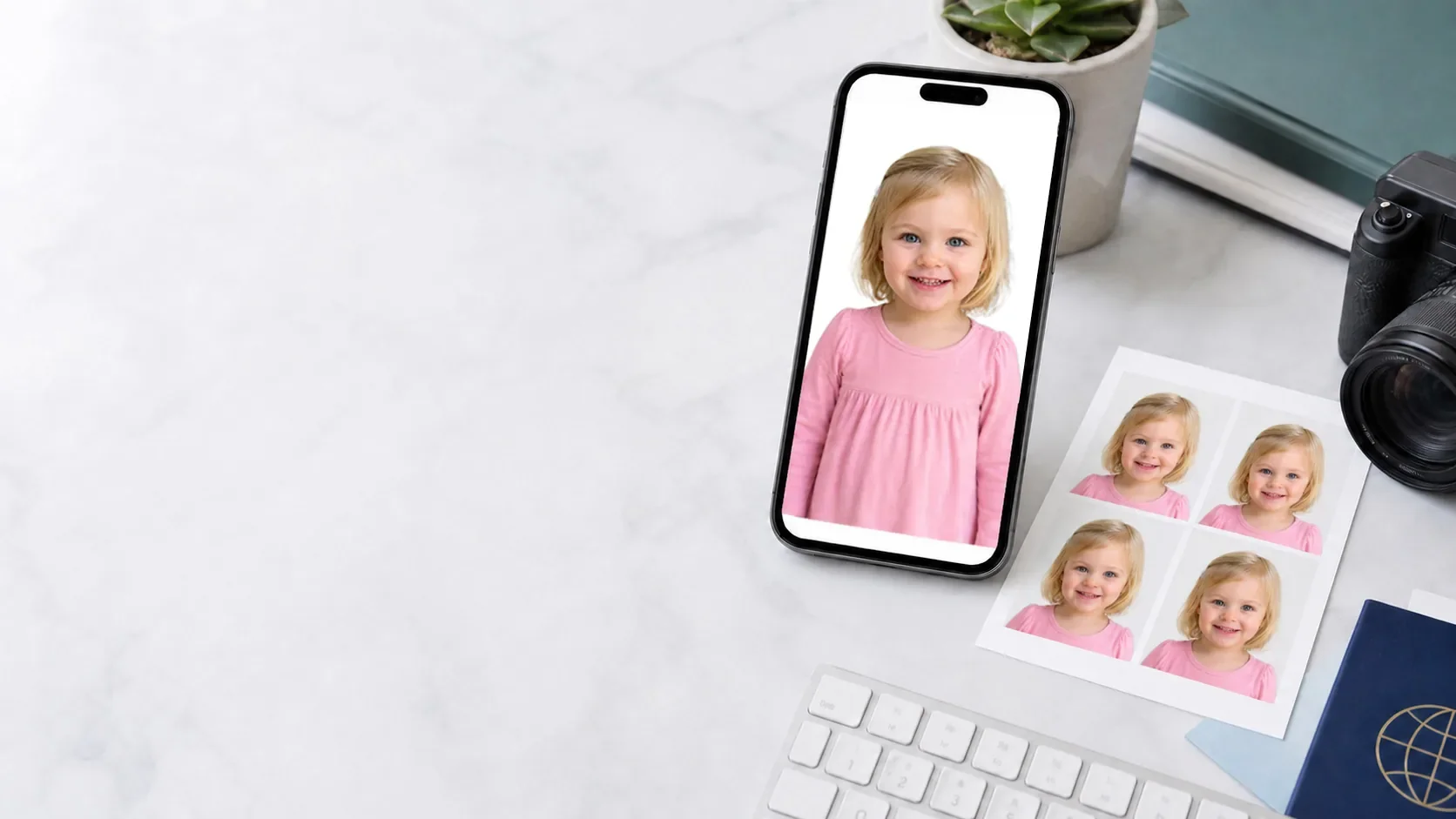
Choose the destination and application route before editing. Use the baby photo tool below, or open ID Photo Studio for additional photo formats.
How this guide is reviewed
The maker can keep the original background when an authority restricts digital alteration. Background replacement is not presented as suitable for every passport or visa application.
The site helps with crop, size, background and output. The passport office, embassy or application portal makes the final acceptance decision.
Read the editorial approach or use the contact page to report an outdated requirement. Core guidance was reviewed on 8 August 2026.
How it works
Add a clear baby photo taken straight on with even lighting.
Select passport or visa photo rules for common destination countries.
Check crop, white background, face position, and common infant photo issues.
Sign in, then download the final digital file and printable sheet.
Baby passport photo tips
Lay your baby on a plain white sheet or blanket to keep the background clean.
Keep toys, pacifiers, bottles, and parents' hands out of the frame.
Baby photos often have different expression and eye-open tolerance than adult photos.
Save the camera file before cropping. If editing is restricted, retake against the required background and keep that background intact.
Popular use cases
Open the main passport photo maker to create an HD passport photo, transparent file, and printable 4x6 passport photo sheet.
Get a newborn-specific setup guide for white-sheet backgrounds, soft light, and cleaner source photos before cropping.
Use the at-home guide for lighting, white-sheet setup, support-free framing, and cleaner source photos before editing.
Use the US-specific page for 2 x 2 inch output, print sheet workflow, and common rejection fixes.
Use the UK-specific page for 35 x 45 mm output, light background rules, and digital renewal-style photo guidance.
Use the Canada-specific page for official child passport photo rules, including printed photos and commercial photographer requirements.
Use the visa page when you need a digital-first photo for US visa, Schengen visa, or other embassy-specific requirements.
Start here when you need a square 2 x 2 inch photo, US-style crop, and printable passport photo sheet.
Compare passport and visa sizes across the US, UK, Canada, Australia, and Schengen destinations.
Troubleshoot background, crop, blur, and support-item problems when a baby photo has already failed review.
Fix white background, shadows, patterned blankets, and clutter before exporting the final passport photo.
Check when closed eyes may matter for babies and how to retake a safer source photo.
Common questions
Yes. Keep the camera level, use soft even light, and place your baby on a plain white or off-white surface before uploading.
Shadows, hands in frame, poor face centering, wrong size, and cluttered backgrounds are the most common issues.
The flow is built for both a digital baby passport photo and a printable 4x6 photo sheet when the selected preset requires print output.
Yes. The workflow is optimized for baby photos, but adults can use the same upload, crop, background cleanup, and download flow.