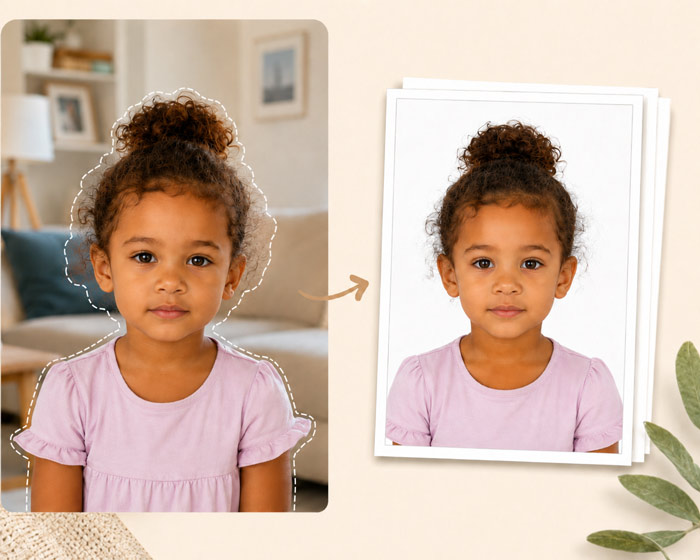
Match the rejection message to a practical next step
These examples describe troubleshooting situations, not quoted notices from a passport office. Follow the actual notice if it gives a specific instruction.
The portal cannot upload the file
Check the allowed file type, pixel dimensions and file-size limit. Upload the individual portrait, not the multi-photo sheet. Renaming a PNG to .jpg does not convert it; export a real JPEG if that is what the portal requires.
The printed photo is the wrong size
Measure the outer edges of one print with a ruler. If every copy is too small, check paper size and automatic scaling before changing the face crop. A 4 x 6 sheet must be printed on matching paper at its intended scale.
The face is too large or too small
Check the head measurement separately from the outer photo size. Re-crop from the original with enough room above the head and below the chin. Enlarging an already tight crop cannot recover missing space.
The face is blurred or obscured
Inspect the original at full size. If a finger overlaps the cheek or movement obscures the eyes, take another photo. Sharpening and removing objects cannot reliably recover the original facial detail.
The picture looks altered
Compare the export with the camera file. Check for a cut-out halo, changed skin texture or missing hair. Return to an unfiltered capture and review the editing restrictions before making another version.
The notice does not explain why
Use the application service's support channel to clarify the requirement. Keep the notice and submission reference available; do not repeatedly submit differently edited copies without knowing what needs correction.